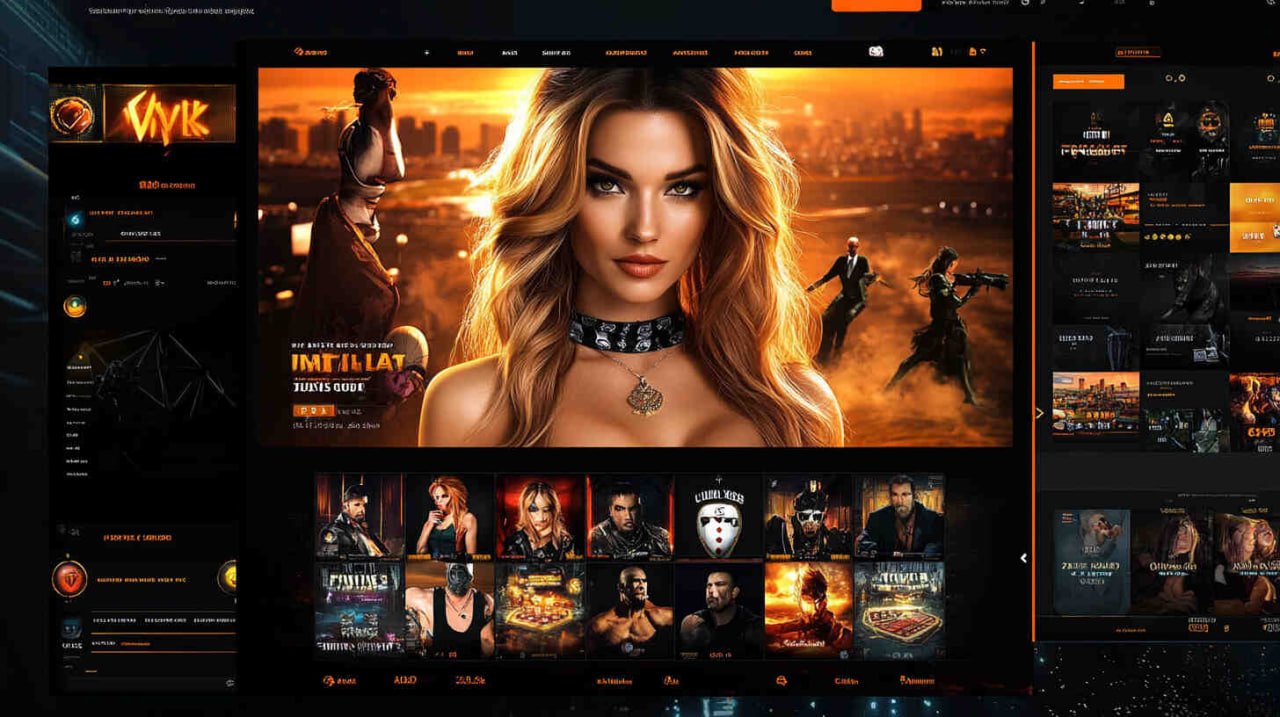
The FF88 mobile app is designed specifically for Indonesian users who want a comfortable, fast, and secure gaming experience anytime, anywhere. No need to open a browser every time—just one tap and you are in.
The FF88 app is available on two major platforms. Both offer the same complete set of features—nothing is cut just because you are on Android or iPhone.
Download the APK file directly from the official ff88 website. Installation is quick and easy—no Play Store required. Compatible with Android 6.0 and above.
Enable "Allow Installation from Unknown Sources" in your device settings before installing the FF88 APK.
IPhone and iPad users can download the ff88 app via the link available after logging in. Supports iOS 13 and above, with performance optimized for Retina displays.
After installation, go to Settings > General > Device Management, then trust the ff88 app certificate to open it.
Important: Download the ff88 app only through the official link available at ff88.bz. Avoid downloading from unofficial sources to protect your device from security risks.
Installing the ff88 app on Android is straightforward and takes about two minutes. Follow the steps below in order to ensure the app installs and runs smoothly on your device.
Visit ff88.bz through the browser on your Android phone. If you do not have an account yet, register first—the process only takes a few minutes. If you already have an account, log in directly.
Open Settings on your phone, then go to the Security or Privacy menu. Enable the "Allow Installation of Apps from Unknown Sources" option. This setting is required because the FF88 app is distributed directly via APK, not through the Google Play Store.
Once logged in, find the app download link on the homepage or in your profile menu. Tap the link and wait for the APK download to finish. The file is around 22 MB, so it downloads quickly even on a standard 4G connection.
Once the download is complete, open the APK file from your download notification or the Downloads folder on your device. Tap "Install" and wait for the process to finish. It typically takes just 15–30 seconds.
Once installation is complete, the ff88 app icon will appear on your home screen. Tap it, log in with your existing account, and enjoy everything the ff88 platform has to offer right from your hands.
IPhone and iPad users can also enjoy all ff88 features through a mobile app optimized for iOS. The installation steps differ slightly from Android, but are still straightforward even for first-time users.
Open the Safari browser on your iPhone or iPad, then visit ff88.bz. Use Safari to ensure full compatibility with the profile installation process required on iOS devices.
Log in to your ff88 account, then look for the iOS download link available on the homepage or app menu. Tap the link to begin the profile installation process.
IOS will display a confirmation pop-up for installing the configuration profile. Tap "Allow", then go to Settings > General > Device Management or VPN & Device Management to find the newly installed ff88 profile.
Tap the ff88 profile name on the Device Management page, then select "Trust". This step allows iOS to run the ff88 app on your device without any restrictions.
Return to your iPhone or iPad home screen. The FF88 app icon is now available and ready to use. Log in with your existing account or register a new account directly within the app.
If you see an "Untrusted" message when opening the app, make sure you have completed the certificate trust step in your iOS settings. Contact FF88 CS if you experience any technical issues.
The FF88 app is more than just a mobile version of a regular website. It is a platform rebuilt from scratch for a truly mobile experience—responsive, lightweight, and feature-rich.
The FF88 app interface is optimized for Indonesian mobile connections, including average-speed 4G networks. The home screen loads in under 2 seconds even under moderate signal conditions.
256-bit SSL encryption is active on all connections. Combined with optional two-factor authentication and new device login detection, your FF88 account is protected wherever you access it.
Get instant notifications for successful withdrawals, the latest promos, live match results, and account updates directly on your phone screen—without needing to open the app first.
Enjoy Live Casino tables with high-definition video streaming directly on your mobile screen. The ff88 app uses adaptive video technology that automatically adjusts image quality to match your internet speed.
Place bets on live matches with odds updated in real-time. The in-play betting feature in the ff88 app delivers an exciting and dynamic sports betting experience.
Withdrawals in the ff88 app are just as fast as on the desktop version—and even easier, thanks to forms optimized for touchscreen input. Transfers to BCA, BNI, BRI, GoPay, OVO, and Dana complete in minutes.
The battery saver mode in the FF88 app automatically reduces power consumption during extended play sessions. This ensures you can keep playing longer without worrying about running out of battery.
The ff88 app interface is fully localized for Indonesian users, using natural, everyday language throughout. No confusing technical jargon—everything is presented in a way that feels familiar and easy to understand.
The ff88 customer service team can be reached directly within the app via live chat, available 24 hours a day, 7 days a week. Fast responses, accurate solutions—without ever leaving the app.
Before downloading, make sure your device meets the minimum specifications below so the ff88 app runs at its best. These requirements are intentionally kept low to reach as many users across Indonesia as possible, including those on mid-range devices.
| Specifications | Android | IOS |
|---|---|---|
| Minimum OS Version | Android 6.0 | IOS 13.0 |
| Minimum RAM | 2 GB | 2 GB |
| Storage Space | 50 MB | 60 MB |
| Download File Size | ~22 MB | ~24 MB |
| Internet Connection | 3G / 4G / WiFi | 3G / 4G / WiFi |
| Auto Updates | Available | Available |
| Landscape Mode | Supported | Supported |
| Push Notifications | Active | Active |
There are several reasons why FF88 users who have tried the mobile app never want to go back to the browser version alone. Here are the real differences felt firsthand by active FF88 members.
The online betting landscape in Indonesia is evolving fast. In the past, players had to sit at a computer to enjoy a comfortable gaming experience. Now, with the FF88 app on your phone, everything can be done while relaxing in your room, waiting for a ride, or during a work break. This flexibility is one of the main reasons millions of active FF88 members choose to play through the mobile app.
The ff88 development team understands that users in Indonesia have different needs and conditions compared to other markets. Varying internet speeds from major cities to remote areas, the dominance of mid-range Android devices, and late-night gaming habits—all of these factors shaped the design of this app. The result is a platform that feels right and runs smoothly even on modest hardware.
One of the most common complaints on other platforms is slow loading times when opening certain games, especially Live Casino. ff88 addresses this with adaptive streaming technology that automatically adjusts video quality based on your available connection speed. So even when your signal is unstable, you can still watch the dealer live without any interruptions.
On the security front, FF88 makes no compromises even in its mobile version. Every login session uses an encrypted token with a limited validity period. This means that even if someone obtains your session token, it cannot be used after it expires. Combined with 256-bit SSL encryption and biometric authentication options, the FF88 app stands as one of the most secure mobile betting platforms in its class.
Ff88 app updates are released on a regular schedule, focusing on performance improvements and new features based directly on member feedback. Unlike many other platforms that only update when critical bugs arise, ff88 follows a consistent update cycle that includes odds adjustments, new payment method integrations, and UI refinements driven by real usage data.
Equally important is customer support accessible directly within the app. ff88 live chat is available 24 hours a day without interruption, with agents trained to handle technical questions about installation, payment issues, and general queries about game rules. This is not a chatbot—it's a real CS team ready to help whenever you need it.
The FF88 app receives high ratings from active members thanks to its combination of fast performance, intuitive interface, and responsive customer support.
FF88 releases app updates on a regular basis. Each update brings performance improvements, new features, and security enhancements without changing the familiar interface existing users know.
Data compression technology in the ff88 app ensures a smooth gaming experience even in areas with 3G signal or an unstable Wi-Fi connection.
The ff88 VIP program is fully accessible through the app. Track your points, claim rewards, and monitor your membership level directly from the profile menu. Learn more on the VIP.

The most frequently asked questions from members about downloading, installing, and using the ff88 app.
Register now, download the FF88 app, and experience the difference yourself. Quick registration, a welcome bonus waiting for you, and all your favorite games right in the palm of your hand.